

Introduction
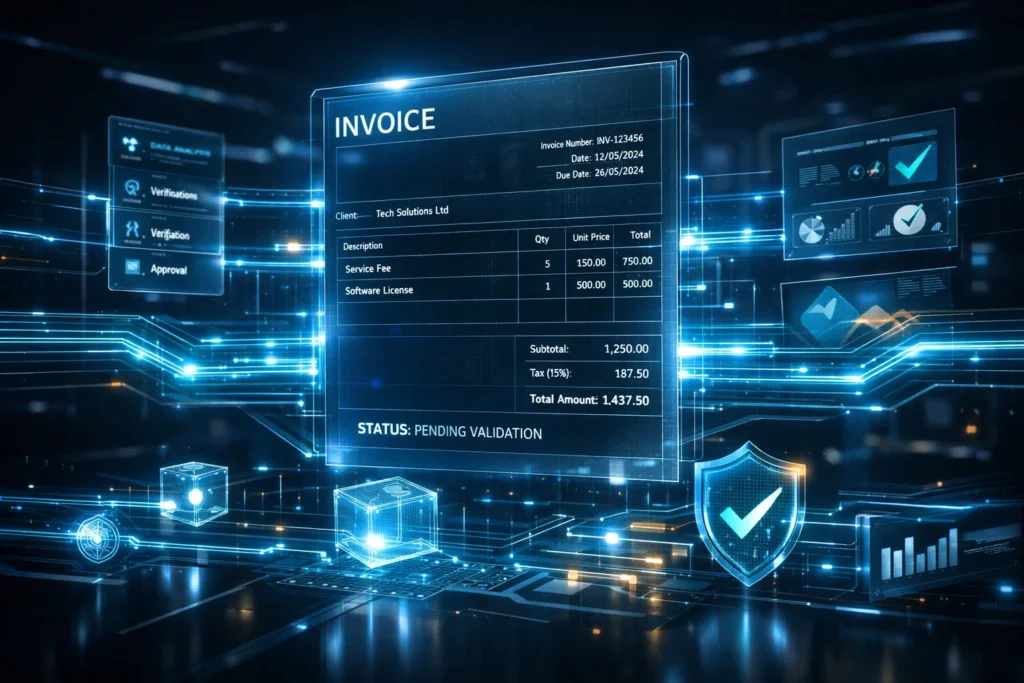
“Generating E-Invoice in India ” is now no longer an action that can be performed simply as part of complying with legal regulations, but a systematic process, under the framework of GST, wherein invoices get validated by the government in real time via the Invoice Registration Portal (IRP).
E-invoicing has assumed significance as far as GST compliance in India is concerned in 2026, particularly for enterprises above the specified limit of turnover.
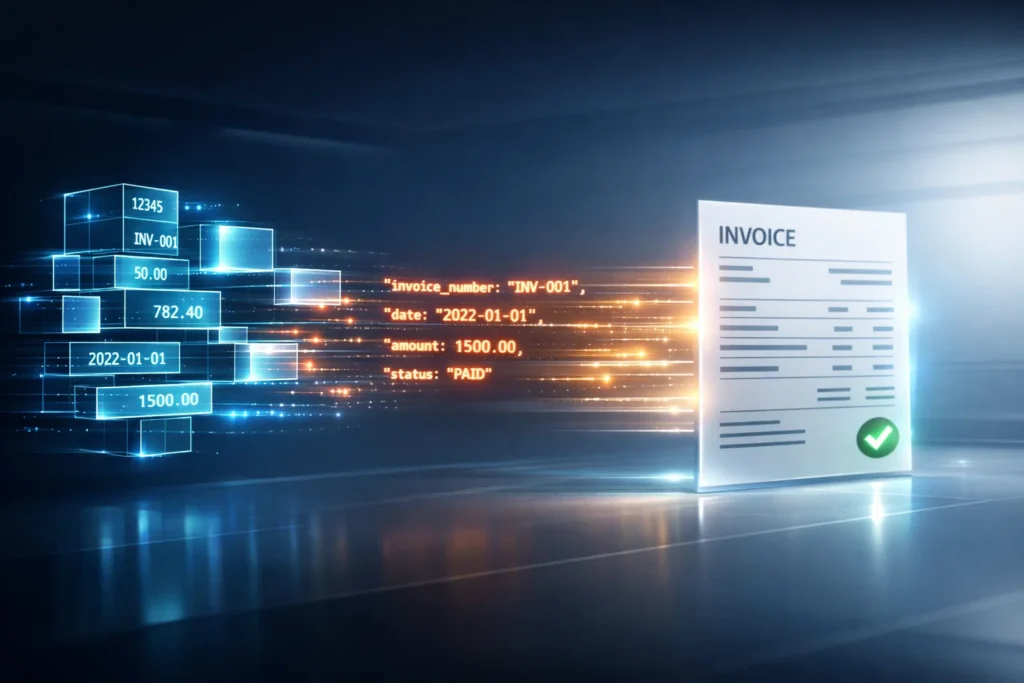
An e-invoice is basically a machine-readable invoice in JSON format and gets authenticated via the IRP and also receives a unique IRN (Invoice Reference Number) along with QR coding.
It helps achieve real-time reporting, tax precision, and prevention of any kind of fraud.
Key Takeaways
The concept of e-invoicing is not limited to invoice generation only but goes way beyond that.
Key Takeaways
- Generation of e-invoice in the form of JSON and validation through the IRP system.
- Generation of IRN as a unique hash value using invoice information and encrypted with SHA-256
- E-invoice generation compulsory for companies with more than ₹5 crore annual turnover
- E-invoice applies mainly to B2B and export GST transactions
- IRP will validate, sign, and return invoice with IRN + QR Code in real time
- Allows checking invoice information with QR code in offline mode
- Highly integrated GST environment, which includes GST Portal and e-way Bill system, with IRP
- Professional support from JackRabbit Consultants helps businesses manage ERP integration, error handling, and compliance workflows
What is E-invoice in GST ?
An e-invoice under GST is a system-driven process where Business to Business (B2B) invoices ,credit notes and , debit notes are digitally authenticated and registered by the designated Invoice Registration Portal (IRP).
Instead of manually uploading invoices to GST portal , now firms should :
- Generate invoices in ERP systems,
- Convert invoices into JSON format,
- Upload to IRP, and
- Get real-time IRN & QR code
It makes sure that:
- Standardized invoicing data from all business
- Auto-file the returns
- No duplicate or fake invoices
- Integration with the GST system
Purpose of E-invoicing
- Prevent fraud & tax evasion with real-time tracking
- Auto-fill GSTR-1 & GSTR-3B
- Ensure data accuracy at the invoice level
- Minimize reconciliation work
- Greater transparency in audits
Government Role
The IRP acts as a central validation engine where :
- Invoice is validated for correctness
- Duplicate IRN is checked
- Digital signature is applied
- IRN and QR code are generated
- Data is pushed to GST and e-way bill systems
Detailed Explanation
- Turnover calculation: On the basis of PAN-wise aggregated turnover.
- Only for B2B transactions and export.
- Not applicable for B2C transactions.
- Excluded sectors – banking, insurance, transportation, etc.

Who needs to generate E-invoice?
| Turnover | Applicability |
| Rs. 500 CR | Mandatory (Initial phase) |
| Rs. 100 CR | Mandatory |
| Rs. 20 CR | Mandatory |
| Rs. 10 CR | Mandatory |
| Rs. 5 CR | Mandatory(Current role 2026) |
Detailed Explanation
- Calculation based on Aggregate turnover linked with PAN
- Only B2B and Exports
- B2C: Only if notified
- Some notified Services: Banking, NBFCs, insurance, transport of passengers
Practical Insight
If your business is under ₹5 crore but notified for e-Invoice, get expert advice through JackRabbit Consultants to make sure your applicability is accurate and avoid penalties.

Step-by-Step Process to Generate E-invoice (Detailed Workflow)
1. Prepare the Invoice within Your Accounting System
- The invoice will be prepared in the accounting system (ERP, Tally, SAP, Zoho, etc.)
- The invoice should contain:
- GSTIN (both Supplier and Receiver)
- Unique and Sequential Invoice Number
- HSN/SAC Code
- Tax breakup (CGST, SGST, IGST)
- Place of Supply
Remember: The invoice must comply with GST regulations strictly to avoid rejection at a later stage.
2.Convert Invoice to JSON File
- The ERP converts the invoice into JSON format following the e-Invoice standard
- Contains data like:
- Buyer Details
- Item Details
- Tax Calculations
- Totals
3.Upload Invoice to IRP Portal (e-Invoice login)
- Login to the IRP website using credentials/API keys
- Upload JSON file either manually or API
Most businesses automate ERP-IRP integration through APIs
The JackRabbit Consultants facilitate the process through ERP-IRP integration.
4. Data Validation at IRP
Strict validation is performed by the IRP:
- GSTIN validation
- Check for duplicate invoice numbers
- Mandatory data validation
- Validation of financial year
- Accuracy of tax calculation
In case of any errors, the invoice will be rejected with the error code.
5. Creation of IRN
The IRN (Invoice Reference Number) is created using the following parameters:
- Supplier’s GSTIN number
- The invoice number
- Financial year
- And type of the document (bill/credit note/debit note etc.)
The IRP uses SHA-256 hashing algorithm to create IRN.
IRN assures unique tamper proof identity for the invoice.
6. Digital Signature along with QR Code Creation
- IRP digital signature is attached to the invoice
- QR code generation for the following:
- IRN
- GSTIN
- Invoice number
- Invoice date
- Tax amount
- Digital signature
QR code will help in instantaneous offline verification of the document by GST officials.
7. Synchronization of Data with GST & E-Way Bill System
Data is pushed automatically into:
- GST System (auto-filling of GSTR-1)
- E-way bill system
Thus avoiding reporting issues manually.
What is IRN & QR Code ?
IRN (Invoice Reference Number)
- 64-digit unique code
- Created through cryptographic hashing algorithm
- Protects every invoice from alterations
How IRN is Generated ?
The process to create an IRN involves:
- Unique GSTIN of the supplier
- Invoicing number
- Year of accounting
- Document type
Even the slightest alteration to invoice will produce a new IRN.
What is QR Code ?
QR Code (QR Code for Invoicing)
- Contains information about the invoice
- IRN
- Signature of the document
- GSTIN numbers
Acts as a verifiable mechanism
Mandatory Fields in E-invoice
| Field | Description |
| GSTIN | Unique GST ID of supplier & buyer |
| Invoice Number | Sequential and unique |
| Invoice Date | Date of issue |
| HSN Code | Product/service classification |
| Taxable Value | Value before GST |
| GST Rate | Applicable tax percentage |
| Place of Supply | State code |
| Document Type | Invoice / Credit Note / Debit Note |
Why these matter ?
Missing even one mandatory field leads to IRP rejection, causing delays in invoice processing and compliance issues.
Benefits of E-invoicing
- Automated GSTR-1 returns generation
- Less manual reconciliations
- Faster invoicing
- Lower costs of compliance
- Better audit trail
- Real-time reporting for the government
- Greater data accuracy in the entire process
Mistakes That Must Be Avoided
- Schema error in JSON structure
- Repetition of invoice number in the same financial year
- GSTIN validation errors
- Omission of mandatory fields
- E-Invoicing API issues in ERP
- Delayed generation of IRN
Proper system setup and advice by JackRabbit Consultants can help avoid these mistakes.